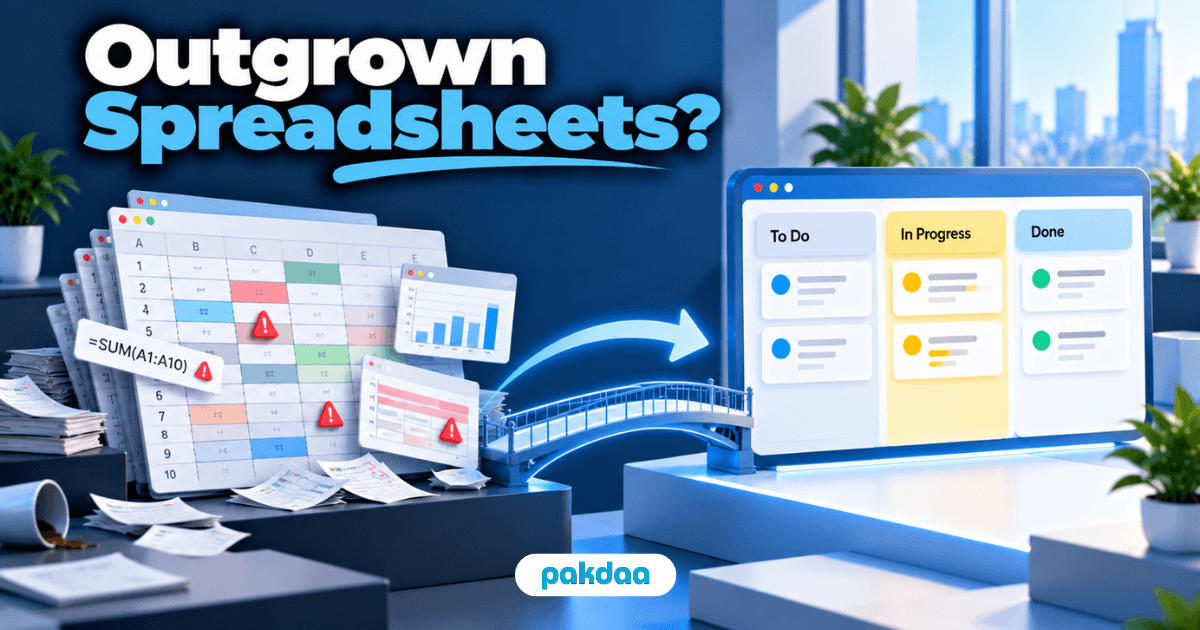
Most small businesses do not lose leads because they lack a CRM. They lose them because an enquiry comes in, gets a first reply, and then nobody tracks what happens next. It goes cold in an inbox while everyone assumes someone else is on it.
You can fix that without buying anything. To track leads without a CRM, you need three things: one place every lead lands, a way to see each lead's status, and a habit of following up on time. A simple spreadsheet does all three.
CRMs are powerful, but for a small team they are often the wrong first step. This is the lightweight system we set up for businesses that want control over their leads today, not a six-month software rollout.
Why small businesses abandon CRMs
There is a reason so many CRM logins gather dust.
They are built for sales teams, not two-person shops. The setup is heavy, the monthly cost adds up, and half the fields never get used. Worst of all, if the team does not update it religiously, the data goes stale and the whole thing becomes a very expensive contact list.
For a small business, an abandoned CRM is worse than no CRM. A simple system the team actually uses beats a sophisticated one they ignore.
What you actually need to track leads
Strip it back and lead tracking is only three jobs.
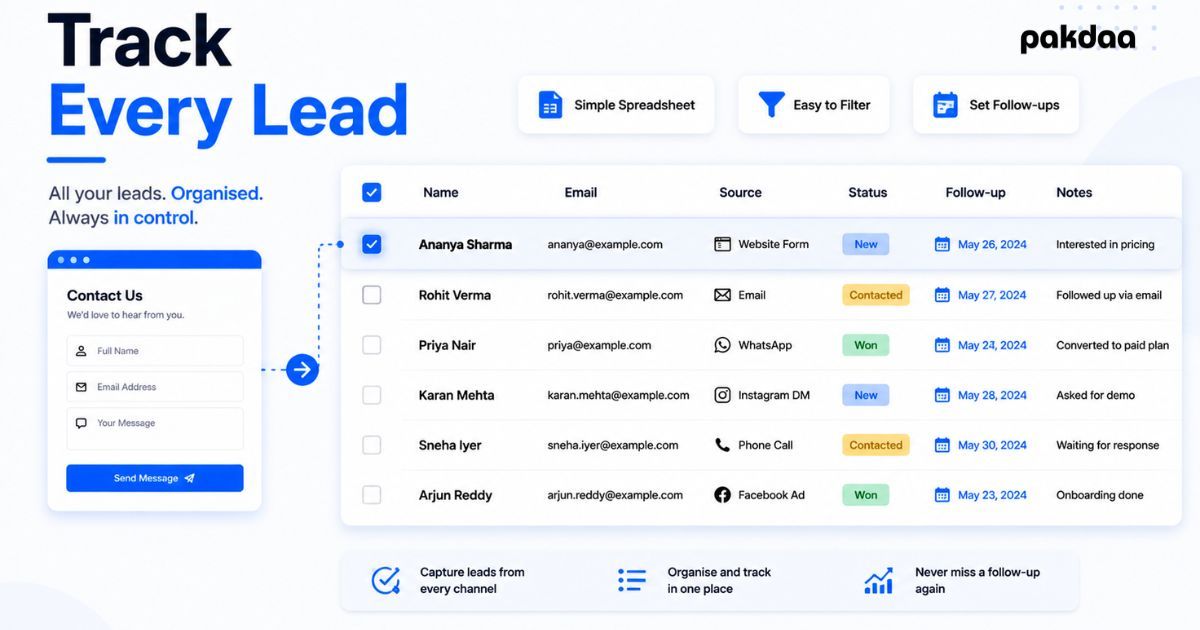
First, capture: every enquiry lands in one place automatically. Second, status: you can see at a glance where each lead is, new, contacted, quoted, won, or lost. Third, follow-up: each lead has a next action and a date, so none go cold. A spreadsheet handles all three at zero cost.
The tools, ranked
Here are your realistic options, from simplest to most powerful.
For most small businesses reading this, the second row is the sweet spot: a spreadsheet that fills itself from your website form. It costs nothing, everyone already knows how to use it, and it captures almost everything a starter CRM would.
Build a lead tracking spreadsheet that works
A spreadsheet only works if it is set up right and stays current. Here is the exact build.
Step 1: Set up the right columns
Keep it lean. Too many columns and nobody fills them in. These are the ones that earn their place.
The Source column matters more than it looks. It is what lets you tie leads back to the ads that produced them, which we covered fully in our guide to proving marketing ROI.
Step 2: Auto-fill the sheet from your form
Do not copy leads in by hand. Connect your website form so every submission drops into the sheet automatically. This removes the delay and the human error, and it means a lead is logged the instant it arrives. It is the same "capture everything, everywhere" thinking from our guide to never missing a customer enquiry.
Step 3: Run a simple status pipeline
Use the Status column as your pipeline: New to Contacted to Quoted to Won or Lost. Colour-code it if you like. At any moment you can see how many leads are stuck at each stage and where deals are stalling.
Step 4: Add follow-up dates and reminders
This is the step that actually wins deals. Every open lead needs a next action and a date. Set a reminder so those dates surface, because leads contacted fast convert far better. Research widely cited from Harvard Business Review found leads reached within five minutes are far more likely to qualify than those reached after 30.
Step 5: Give every lead an owner
One name per lead. Shared responsibility is why leads go cold, so make each one clearly somebody's job. On a solo operation, that is just you, but the discipline still matters.
Step 6: Review the sheet weekly
Spend ten minutes a week scanning for leads with no next action, overdue follow-ups, and deals sitting too long. This one habit is what keeps the system alive instead of becoming another abandoned tab.
When should you switch to a CRM?
Move up when the spreadsheet starts creaking, not before. Signs it is time: too many leads to track by row, several team members stepping on each other, or a need for automation, pipelines, and reporting the sheet cannot handle. Until then, a well-run sheet is not a compromise. It is the right tool. If you would rather have this built and automated for you, that is exactly what our team does.
The bottom line
You do not need a CRM to stop losing leads. You need one place every enquiry lands, a clear status for each, and follow-ups that actually happen. A spreadsheet wired to your form, with owners and dates, delivers all of that for free. Track leads without a CRM this way and you will chase fewer new leads, because you will stop wasting the ones you already have.
Want your leads tracked automatically?
We will connect your website form to a lead tracking system that fills itself, flags follow-ups, and shows where every deal stands. No bloated CRM, no manual entry.
Book a free setup call